
You can adjust the switcher spacing when you open the Switcher Configurator in the langify dashboard.
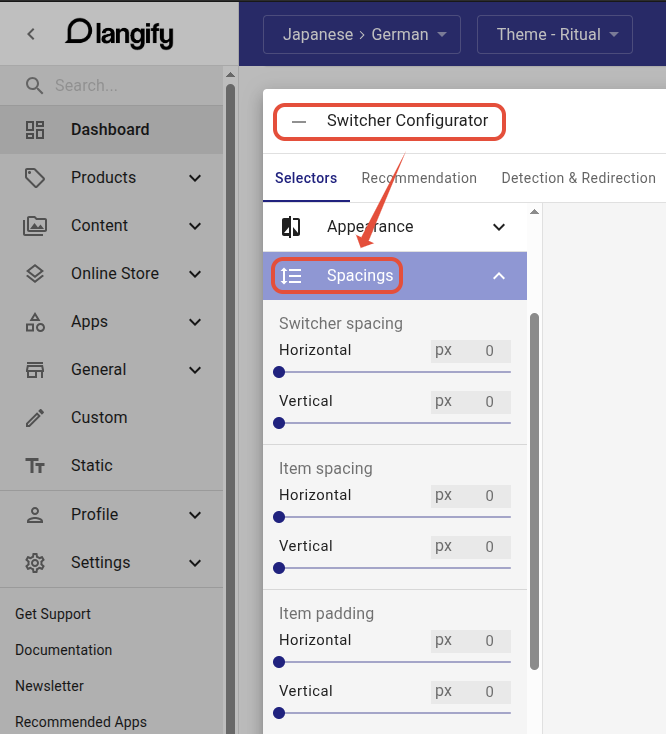
Depending on your switcher type, spacing can improve readability. It's recommended to experiment with the setting to find the right spacing for your switcher.
Generally, the Horizontal slider will add more space between the right/left edge of the screen and the switcher.
And the Vertical slider will add more space towards the top/bottom edge of the screen, or between the language options.