
To customize the switcher placement, open the Switcher Configurator tab in the langify dashboard.
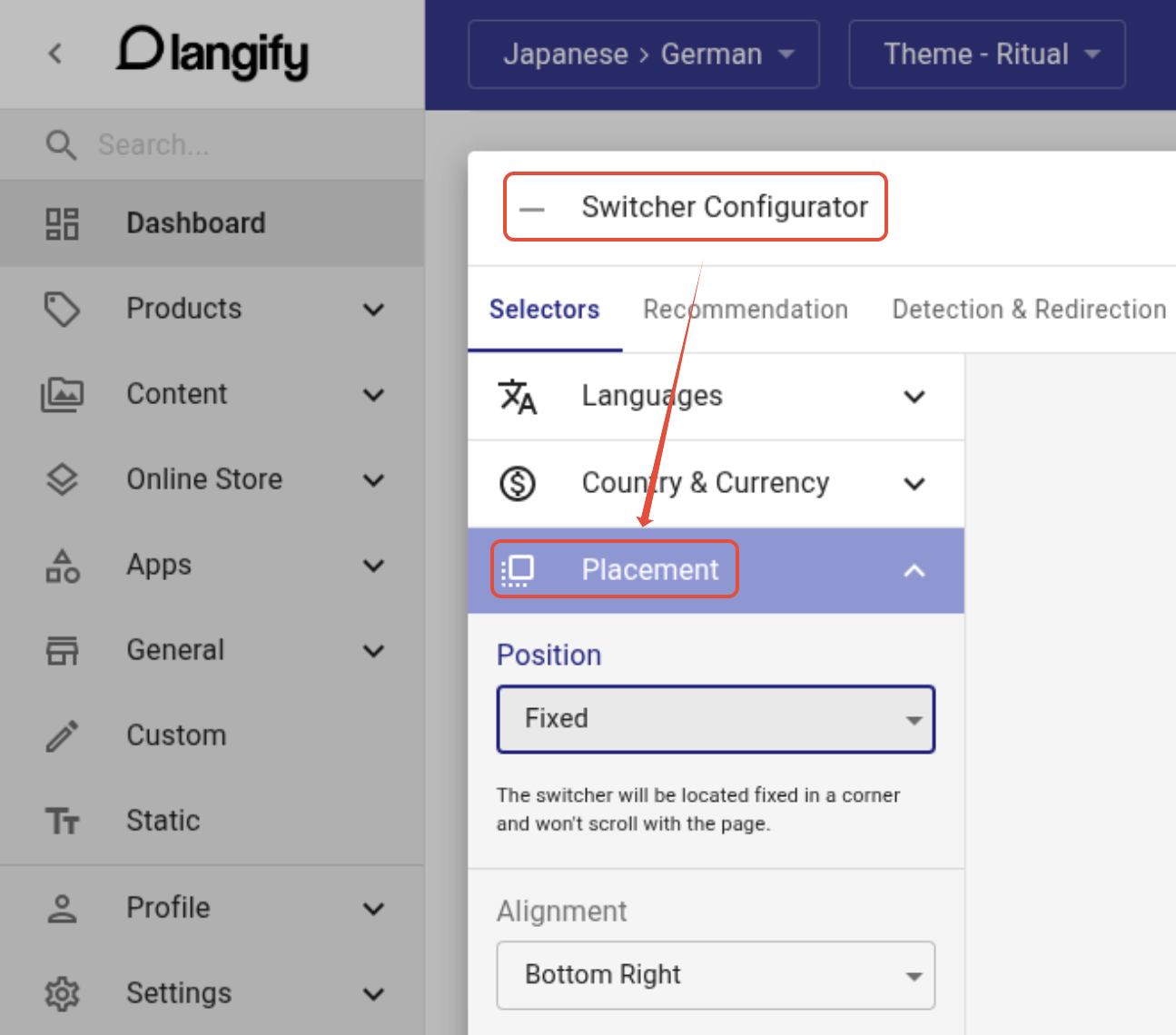
Position
There are three options to choose from:
Fixed — Switcher stays attached to the viewport and remains visible while scrolling.
Absolute — Positioned within the page layout and scrolls away with the content.
Custom — Add a small piece of code to your theme in order to place the switcher anywhere you want. For a complete step-by-step guide, please go to Placement - Custom.
Alignment
If you have selected the Fixed or Absolute position, then you can further adjust it by setting an alignment.
Choose any corner of the page (top-left, top-right, bottom-left, bottom-right).