The last section of the Switcher Configurator covers the colors you can set for your langify switcher.
You can select different colors for the background, the text and the border.
Background
The Background option will allow you to choose your ideal color for the background of your switcher:

Note that you can also set the background to transparent in the Appearance section.
Text
Selecting the Text color affects the text inside the switcher:

Now both the language label "English" and the dropdown arrow are colored in red.
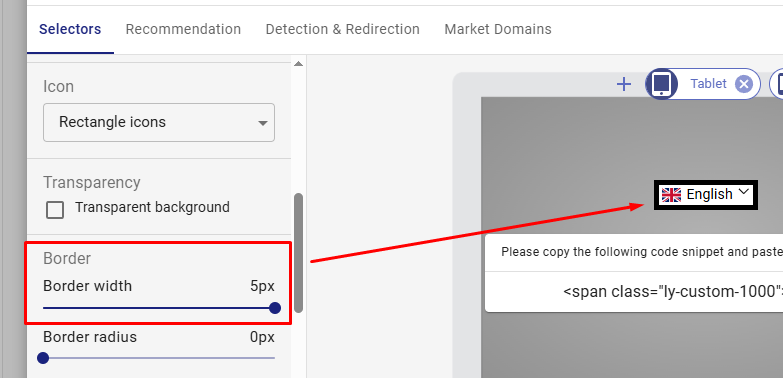
Border
The Border color is only relevant if you have added a border to your language switcher inside the Border Width bar: