
For the most common languages Shopify provides default translations out of the box. If that’s the case, checkout translations are already present, so you don’t need to do anything extra.
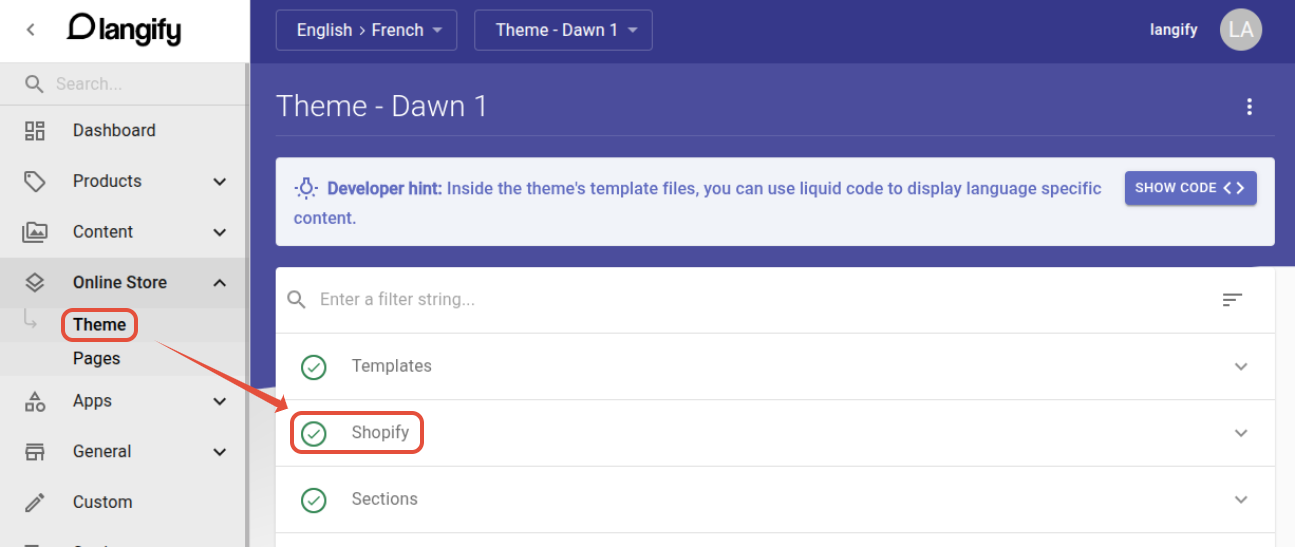
If your language does not have built-in translations, you can translate the checkout by heading to langify -> Online Store -> Theme -> Shopify.
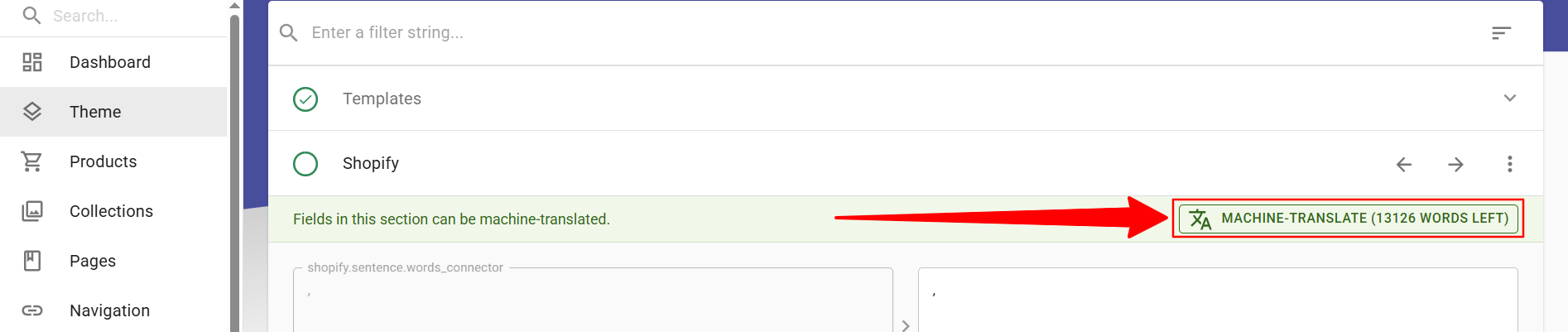
You can add the translations manually or by clicking the Machine-Translate button when you open the section.
Payment and Shipping options
These can be translated at langify -> General -> Shop -> Payment Gateway for Payment options, or Shipping and Delivery for Shipping options.
Unfortunately, custom shipping details cannot be translated in the Shopify checkout.
Custom Content Translations
Due to security restrictions during the payment process, langify is unfortunately not able to apply translations from the Custom section to the checkout.